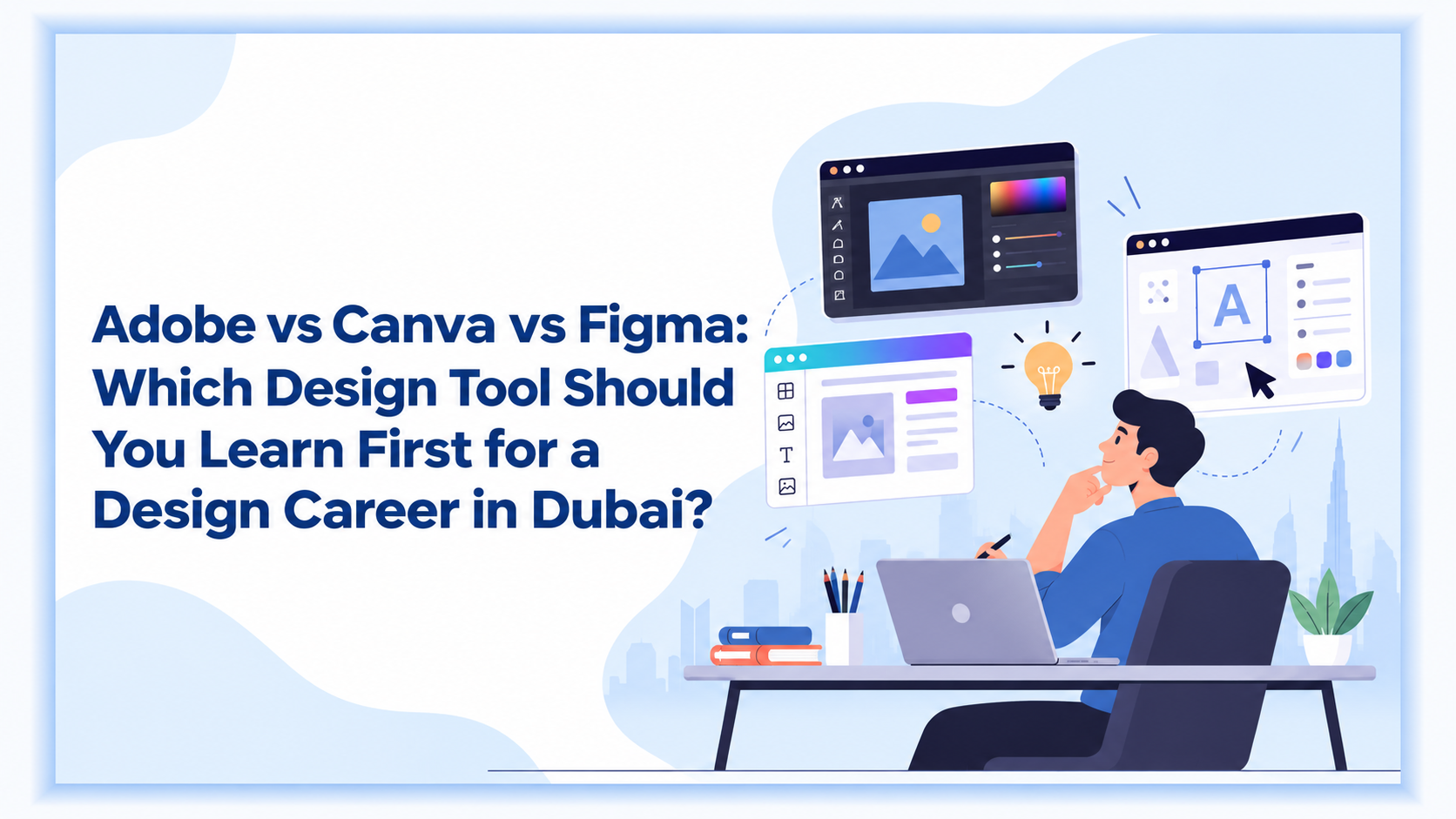
In the Adobe vs Canva vs Figma debate, an interest in design doesn’t automatically guarantee a well-paying career in Dubai. With a host of design tools like Photoshop, Illustrator, InDesign, Canva and Figma, knowing what to learn can feel confusing.
So, which one should you learn first? The answer relies entirely on the kind of work you wish to pursue in design. Branding and advertising-style graphic design requires proficiency with Adobe tools. If you want to create social media posts, presentations and marketing material quickly, Canva is an easy place to start. If you want to design websites and mobile apps, Figma is more relevant.
Planning a graphic design career in Dubai first requires understanding the software associated with different tasks. So, before you start, choose the tool that helps you get there.
What Are Adobe, Canva, and Figma Actually Used For?
Adobe, Canva, and Figma are all excellent tools that fit their respective use cases perfectly. While they all create good visual content, they are built for different types of work.
When to choose Adobe?
Adobe is a group of creative programs. Photoshop helps edit photos and create image-based designs. Illustrator is used for logos, drawings, icons and other artwork. InDesign is used for page layouts such as brochures, magazines, books and reports. Adobe describes InDesign as a tool for professional print and digital publishing.
When to choose Canva?
Canva is a more commonly user, user-friendly visual content creating tool. You can start with a template or create a design from scratch. It is used for social media posts, presentations, videos, documents, websites and print material. Canva also has multiple ready-made templates and tools for teams.
When to choose Figma?
Figma is mainly used for websites, mobile apps and other digital products. Designers can create screens, connect them into clickable versions and share their work with others. Figma also allows people to work on the same file and leave comments.
Tool | Main Use | Good For | Learning Level |
Adobe | Graphic design, photo editing and page layout | Branding, advertising, print and publishing | Medium to advanced |
Canva | Quick visual content | Social media, marketing and presentations | Beginner-friendly |
Figma | Website and app design | UI/UX, website and app screens | Beginner to medium |
There is no single best design software to learn in Dubai. The right tool depends on the job profile or type of work you plan to pursue.
Adobe vs Canva vs Figma: Feature-by-Feature Comparison
If you are comparing Adobe, Canva, and Figma, the biggest difference is the level of control each tool gives you.
Feature | Adobe | Canva | Figma |
Ease of starting | Takes time to learn | Very easy | Fairly easy |
Photo editing | Strong | Basic | Limited |
Logos and illustrations | Strong | Basic to moderate | Good |
Social media designs | Strong | Strong | Possible |
Brochures and reports | Strong, especially in InDesign | Good for simple layouts | Not its main use |
Website and app design | Possible | Limited | Strong |
Clickable demos | Available in Adobe tools | Basic | Strong |
Templates | Available | Major strength | Some community resources |
Team collaboration | Available | Strong | Strong |
Best use | Professional graphic work | Fast content creation | Digital design |
Adobe gives you more control when you need to create original artwork. Illustrator is widely used for creating logos, illustrations and other vector-based artwork. Photoshop works well when the project involves photographs or detailed image editing. InDesign is useful when a project has several pages and needs careful control over text and layout.
Canva takes a simpler approach. Its templates and drag-and-drop editor reduce the technical work required to create a finished design. This makes it useful for beginners, marketing teams and people who need to produce content quickly.
Figma is particularly suited to digital design, including website visuals and app screen mock-ups. It can connect different screens and create an actual clickable version of it.
What Do Dubai Employers Actually Ask For?
If you are planning a graphic design career in Dubai, look at the type of jobs you want before choosing a design tool. Graphic designers in marketing agencies are required to understand social media post design and brochure design. Other work includes presentations and ad copy. InDesign is ideal for multi-page work like training manuals, company reports, and annual report-style documents.
For website and app design, Figma is more relevant. Some employers may ask for more than one tool, but you do not need to learn everything at once. Start with the software that fits your career goal and build from there.
Your portfolio matters as much as your software skills. A certificate shows that you completed a course, while a portfolio shows what you can actually create. Include relevant work such as branding, social media designs, brochures or website and app screens, depending on the role you want.
Which Tool Should You Learn First?
The answer depends on your career plan.
If You Want to Become a Graphic Designer
Adobe is the go-to tool if you want to start from the basics. You do not need to learn every Adobe program at once. Start with Illustrator and Photoshop. Add InDesign if you want to work on brochures, reports, magazines, books or other multi-page documents.
An Adobe Illustrator course in Dubai is worth it if you want to build skills in logos, illustrations, icons and other graphic work. An Adobe Photoshop course in Dubai can help if you want to work with photographs, advertisements and digital graphics.
Once you are comfortable with these tools, you can decide whether you need to add Figma or Canva.
If You Want to Work in Publishing, Reports or Print
Give InDesign more attention. InDesign is built for page layout and publishing. It is useful when a project has many pages and needs consistent text, images and spacing. Adobe also positions it for brochures, books, magazines, digital publications and other long-form layouts.
An Adobe InDesign course in Dubai can therefore be useful for people interested in publishing, corporate reports, magazines, brochures and similar work.
If You Want to Work in Social Media or Marketing
Canva is a practical design tool for beginners who want to create marketing content quickly. You can create social media posts, presentations, flyers, simple videos, and other marketing material without spending a long time learning complicated controls.
That makes a Canva training course in Dubai a useful starting point for someone who wants to build basic design skills. However, if you want to build a long-term career in graphic design, do not stop at Canva simply because it is easy. As your work becomes more demanding, learn Photoshop and Illustrator as well.
If You Want to Become a UI/UX Designer
Start with Figma. Figma is made for designing websites, mobile apps and other digital products. You can create the screens, connect them and make a clickable version to show how the product could work.
A UI/UX design course in Dubai may therefore be a better fit than a general graphic design course if you already know you want to work on websites or apps.
Do You Need to Learn All Three Eventually?
Not necessarily. It depends on the kind of work you want to take on. A designer at a Dubai marketing agency, for example, might use Illustrator for a logo, Photoshop for images, InDesign for a brochure and Figma for a website. For a social media campaign, Canva may be the quicker option.
The Adobe vs Canva vs Figma choice is therefore less about finding a single tool that does everything and more about understanding which one best suits the job. You can start with one, build your skills and portfolio, and add another when your work requires it. There is no need to learn all three at once.
Which Design Tool Should I Learn First for Beginners?
Your first tool should match the work you want to create, but you do not need to lock yourself into one software from the beginning. If you are entering graphic design, Adobe gives you a stronger base across branding, advertising and print. If your immediate goal is social media or marketing content, Canva can help you start creating quickly. For website and app design, Figma is the more relevant starting point.
The important thing is to learn the fundamentals of design alongside the software. Layout, typography, colour, spacing and visual hierarchy are the basics that will be the deciding factor no matter which tool you use. Once you are comfortable with your first software, learning a second becomes much easier.
Conclusion
Choosing a design tool is easier when you start with the kind of work you want to do. The software should support that direction, and not be the end goal for your design dreams. If you are starting out, structured training can help you build that foundation with guidance and hands-on practice. DG Training & Development Institute offers courses in Canva, Figma, and Adobe Illustrator in Dubai, allowing learners to choose training based on the design area they want to pursue.
The next step is to put those skills to work. Practise with real briefs, build different types of projects and develop a portfolio that reflects the kind of roles you want to apply for. The right course can give you the starting point. What you create with those skills will shape where your career goes.
It depends on your goal. Canva is the easiest starting point for simple marketing content. Adobe is a better starting point for graphic design. Figma is a good starting point for UI/UX and website or app design.
Adobe gives you more control and is built for professional graphic design work. Canva is easier and faster for everyday content. If your goal is a long-term graphic design career, learning Adobe can give you a broader set of skills.
It can help, especially if you want to work on websites or digital campaigns. However, it does not need to be your first tool if your main interest is branding, print or traditional graphic design.
It depends on the role. Canva can be useful for some social media and marketing jobs, but graphic design roles may also ask for Photoshop, Illustrator or InDesign.
For general graphic design, start with Illustrator and Photoshop. If you want to work on books, brochures, magazines, reports or other multi-page documents, add InDesign.
Figma is fairly easy to start with. The harder part is learning how to design a good website or app. You need to understand layout, navigation and how people use a digital product, not just the software.
You can, but you do not need to. It is usually better to learn one properly, create a few projects and then move to the next tool.
Choose the course based on your target job. A graphic design course is suitable for general design work. An Adobe Illustrator or Photoshop course is useful for specific Adobe skills. A Canva course suits marketing and content creation. A Figma or UI/UX course is better if you want to design websites and apps.